DBGTN.com: [Return to the Previous Page]
|
• Webmasters: PC Fonts Download the font you would like by clicking on the text below the image. Once you unzip the font you need to add it to your fonts folder. Go to 'Start>Settings>Control Panel' then click on the 'Fonts' Now simply drag the unziped file to the fonts folder and it should add a copy to it automatically. Once it's done, just delete the original downloaded files and open WordPad or any Graphics program to test out the font. 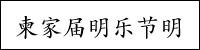 Japanese 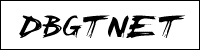 Chicken Scratch  Public Enemy  Fatboy Slim  911 Porscha  After Shock Baloney 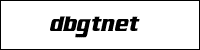 Air Millhouse  Xenotron  Planet Kosmos 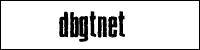 Blue Cake  SF Square Root Page: 1 - 2 | |
[Return to the Previous Page]
[Return to the DBGTN homepage]